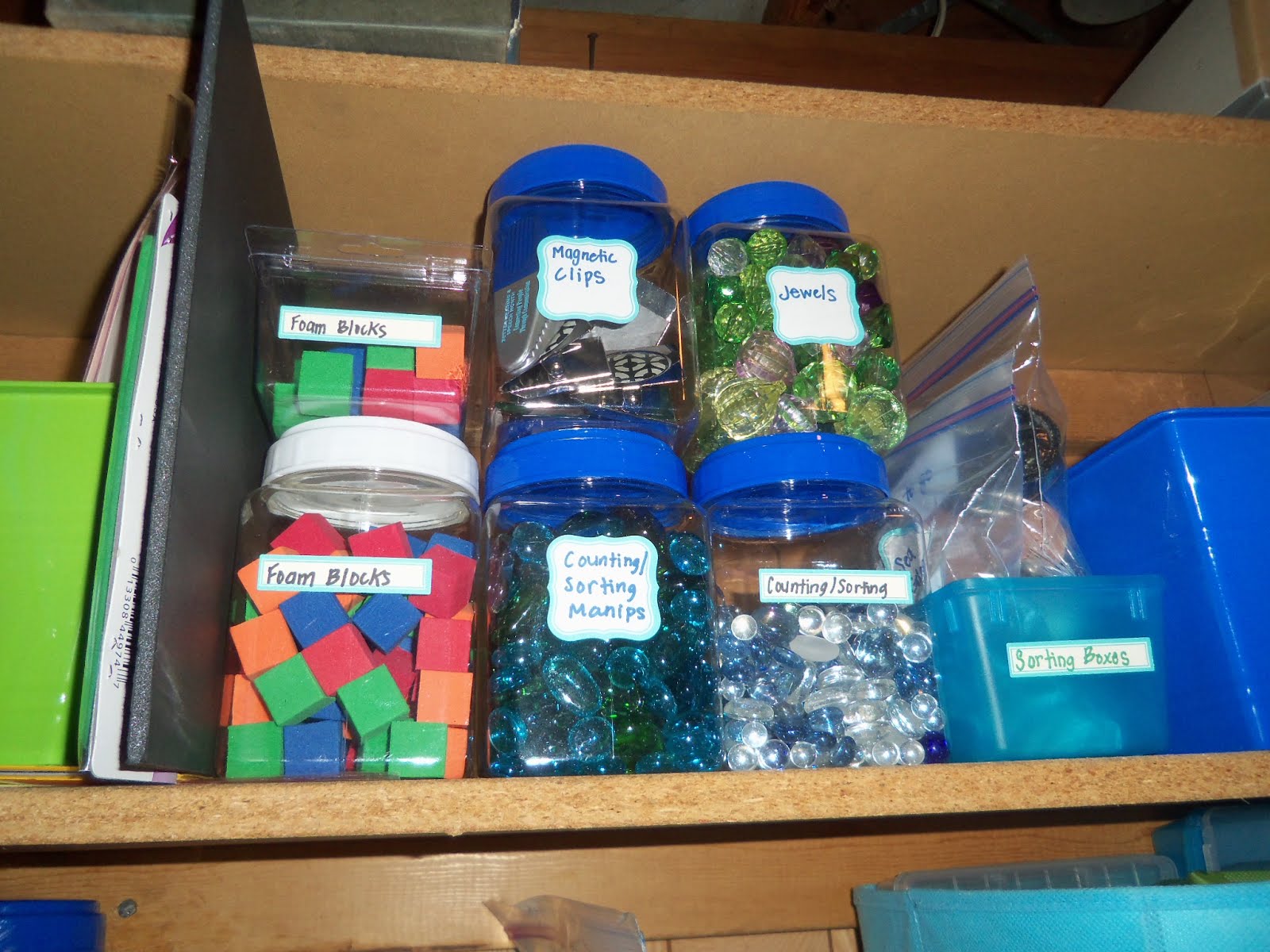
I've mentioned in previous posts that I'm a little bit (or a lot a bit!) of an organizing fiend. Maybe I'm in the minority, but I get
such satisfaction after tackling an unweildy organizing project. Yep, I do like to admire my handiwork, so I look for boxes/containers/dividers that combine functionality with visual appeal. The pictures I've shared above are a glimpse at my newly minted "teacher supply station," located in the dungeon of my basement.
So, you can imagine how excited I was when I learned about these handy RSS Feeds and my quick, super easy-to-use Google Reader. The truth is, I stumbled upon RSS while reading
Flattening Classrooms, Engaging Minds: Move to Global Collaboration One Step at a Time, but I didn't quite "get" the purpose. I do think the text assumed a certain level of digital expertise that I'm still in the process of developing...Anyways,
Richardson (2009) gave me the push I needed to activate my Google Reader (if you have a Google account, you've already got this neat application!). I unsubscribed from all of those Blogger email updates that were the bane of my existence [I despise clutter, even in my inbox], and watched as the new posts came to me! Talk about productivity!
If I'm lucky enough to get my kiddos blogging individually, you better believe I'll use Google Reader to keep track of their posts. Not only that, but this is a tool our budding student researchers can try their hand at as well. Students need to learn how to be productive (and wise...) consumers of information, and I think creating RSS search feeds are the way to go.
Diigo and I have been longtime buddies, particularly when I was knee deep in research articles and in dire need of a hub to store it all. I'm still learning all the ins and outs of this incredible tool, namely the "label" function that enables seamless retrieval, and I can't get enough of those handy post-it notes and digital highlighters. I love any kind of school supply, albeit digital! While I've yet to capitalize on Diigo's collaborative features, I see great potential in using this platform to collect/share resources among team teachers.
Last but not least, I have to end with some remarks on
Twitter. Initially, I was a Twitter-skeptic and, perhaps, I partially still am. I'm slowly learning the rules for appropriate hashtag usage, and I recently participated in an #elemsci chat where I scored a whole slew of valuable resources. Teaching is synonymous with sharing, isn't it? I still can't seem to get myself into a habit of using this platform on a regular basis. Pinterest, on the other hand, is an addiction for this visually inclined girl who loves to see lesson strategies/organizational schemes/materials in action, yet I do acknowledge the unique benefit of real-time feedback offered through Twitter. I highly recommend
Cybraryman's website, where he organizes teacher chats by subject/grades and supplies a list of helpful hashtags to reference.
One way I can realistically see myself capitalizing on Twitter is by using it as a means of keeping families up-to-date on classroom happenings. PLEASE, make sure you look at
this educator's Twitter page, where she provides parents with hour-by-hour pictures, comments, and questions. I love how parents can jump aboard Twitter for just a minute or two, to read a quick post (140 characters or less!) and know exactly what their child is doing. This eliminates the dreaded, "What did you learn in school today, dear?" and the inevitable "I don't remember" response. Parents can now ask targeted questions, courtesy of this teacher's Twitter page. Could you see yourself implementing Twitter in this fashion? If so, do you think your administration and/or parents would be supportive?